
What an electrician needs from a markup app
General PDF editors are made for contracts and forms. A set of E sheets needs different tools. Here's the checklist we built Rough-In Redlines around, and how it handles each one.
- Real electrical symbols. 600+ symbols in 18 trade libraries, for electrical and the other trades. Capture a symbol off the drawing, or import a Bluebeam tool chest (.btx) on Windows, so the crew uses the same symbols the office does.
- Device counts. Box one receptacle and Find & Count marks the rest, with totals by sheet and for the set.
- Measuring to scale. The scale is read off the sheet, and you measure runs in feet and inches.
- Compare revisions. Removed work shows red, new work blue, with a list of every change, including text like “20A → 30A”.
- An export the office can use. A PDF whose markups stay editable in Bluebeam and Acrobat, a flattened PDF, a counts CSV, or a print up to 36×48 on the plotter.
- Works with no signal. Every tool works offline in a basement or a mechanical room, and your drawings stay on your device.
- A price a foreman can approve. Free for 3 drawings. Pro is $39.99 once, with no subscription.
 Video
Video
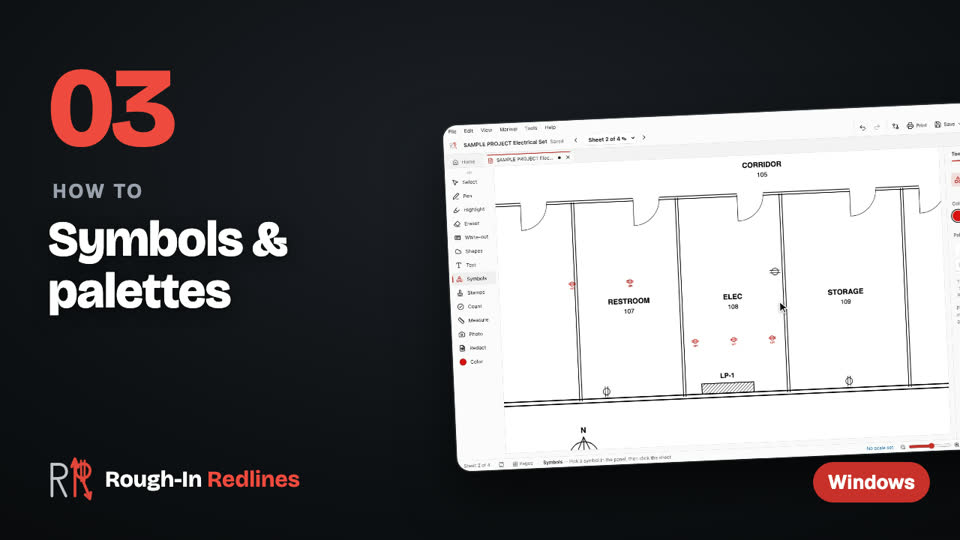
Symbols & palettes. Place symbols, make your own palette, capture a symbol off the drawing and import a Bluebeam tool chest. Steps written out.
A typical markup, start to finish
- Open the set and find your sheets. Open the PDF, then jump straight to the E sheets.
- Set up your symbols. Pick the electrical library, or import your shop's Bluebeam tool chest (.btx) into My Palettes.
- Mark the changes. Cloud each change, add a note and place the right device.
- Count and measure. Find & Count the receptacles and fixtures, and measure the runs.
- Send it. Export a PDF for Bluebeam / Acrobat and a counts CSV for the estimator.
Not just electrical: MEP and low voltage
The same tools work for plumbers, HVAC, fire alarm and low-voltage crews. Switch the toolbar to Simple for people who only need a pen, clouds and text, or leave every tool on for the foreman. The toolbar can sit on any side of the window.
Panel schedules
Panel schedules build directory cards without Excel: odd circuits left and even right, 2- and 3-pole breakers, spares, and room numbers off the drawing, sent as an Excel file and a PDF card with your company name and logo. They're on the iPad today and are coming to Windows in the next update Next update.
Mark up your E sheets on the PC. Free for your first 3 drawings on Windows 10 & 11, every tool included, no account. Pro is $39.99 once.
Free · Microsoft StoreWhat it doesn't do
Rough-In marks up PDFs and pictures. It isn't CAD, so it doesn't draw or edit DWG files, and it isn't estimating software with a cost database. For how it sits next to other apps, see PDF markup apps for electricians, compared.
Coming in the next update
- Area in square feet, and lengths shown on lines and boxes Next update
- Snap to the drawing, and symbols that snap into evenly spaced rows Next update
- Align and group markups, search text across sheets and local projects Next update
Questions people ask
- Does it have electrical symbols?
- Yes. There are 600+ trade symbols in 18 libraries, for electrical and the other trades. You can also capture a symbol off the drawing, or import a Bluebeam tool chest (.btx) on Windows.
- Can plumbers and HVAC crews use it?
- Yes. The symbols and tools are built for the trades, not only electricians: plumbers, HVAC, fire alarm and low-voltage crews use the same markup, count and measure tools.
- Can it make panel schedules?
- Yes, on the iPad today, and on Windows in the next update. You get an Excel file and a PDF directory card with your company name and logo.
- Can it open DWG or CAD files?
- No. Rough-In marks up PDFs and pictures. On Windows you can also insert Word and Excel files as PDF pages.