
Why electricians look for an alternative
Bluebeam Revu is a strong tool, and in a lot of offices it's the standard. This page isn't about replacing it there. It's about the people who mark up prints all day but don't need a full office suite to do it. Here's what usually starts the search:
- A license for every foreman adds up. Rough-In is free for 3 drawings and $39.99 once after that. No subscription, no renewals.
- The crew needs five tools, not fifty. Switch the toolbar to Simple and they get a pen, clouds and text, with nothing to get lost in.
- No signal on site. Every tool works offline, there's no account, and drawings stay on the device.
- Trade tools out of the box. 600+ trade symbols, Find & Count, measuring with the scale read off the sheet, and compare revisions, with nothing to set up first.
Who it's for
- Foremen and journeymen who redline, count and measure, and need to send it back the same day.
- Small electrical shops that want every crew lead marking up prints without a monthly bill.
- PMs who sign, redact, combine and print PDFs, but don't run takeoffs.
- Estimators who want quick device counts and runs in a spreadsheet.
Who should stay with Bluebeam
If your work is detailed takeoff and estimating, live multi-user review sessions, or a company workflow that's built on it, keep Bluebeam. Rough-In isn't trying to do all of that. The side-by-side comparison has the full honest fit, tool by tool.
How to switch without changing the office
- Try it on one real set. Every tool is free for your first 3 drawings. Pick a job you know well.
- Bring your symbols. On Windows, import your Bluebeam tool chest (.btx) into My Palettes.
- Set up the crew. Switch the toolbar to Simple for people who only need a pen, clouds and text.
- Send the PM a test PDF. Export the PDF for Bluebeam / Acrobat and check it opens editable on their end.
- Agree who does what. Crews mark up in Rough-In; the office keeps working in Bluebeam.
- Buy Pro when it's running jobs. $39.99 once for unlimited drawings, with a key that works on 2 PCs.
 Video
Video
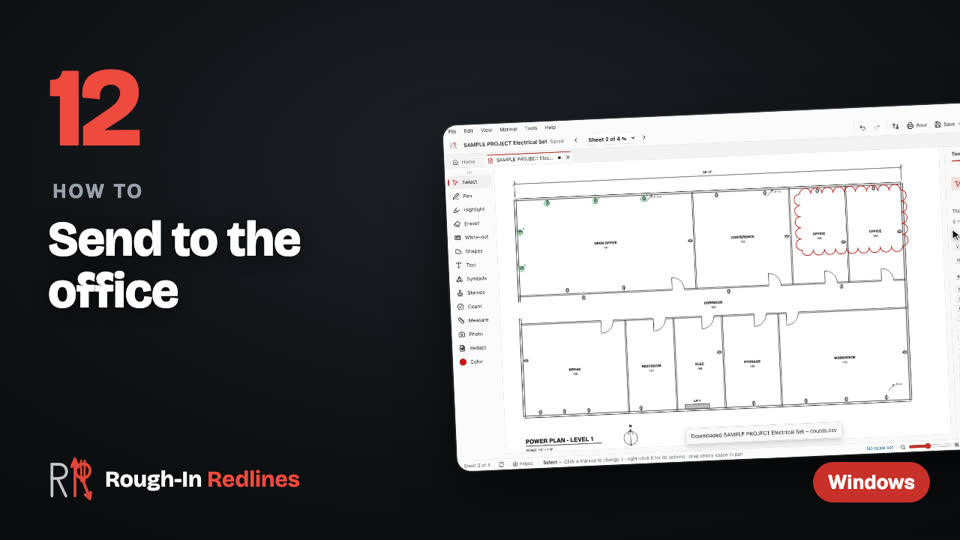
Send to the office. A PDF for Bluebeam or Acrobat, a flattened PDF, a counts CSV or a .redline file. Steps written out.
Working with an office that runs Bluebeam
Nobody in the office should have to retype a foreman's notes. Export the PDF for Bluebeam / Acrobat and every cloud, note and symbol arrives as an editable markup with author, subject and date. The PM can move it, reply to it or delete it like any other markup. For anyone else, a flattened PDF opens anywhere, and the counts go out as a CSV.
Test it on a real job before you decide. Free for your first 3 drawings on Windows 10 & 11, every tool included, no account. Pro is $39.99 once.
Free · Microsoft StoreWhat's coming
- Next update: snap to the drawing, area in square feet, lengths on lines and boxes, align and group, symbols that snap into rows, search across sheets, local projects, and panel schedules on Windows Next update
- iPad, iPhone and Mac: coming soon to the App Store. Android tablets are in development.
- Crew, the team version: shared projects that sync between the office PC and the field iPad, $15 per person per month. Coming soon.
Questions people ask
- Can Bluebeam open markups made in Rough-In?
- Yes. Export the PDF for Bluebeam / Acrobat and the markups arrive as editable markups in Bluebeam Revu, with author, subject and date.
- Is Rough-In a subscription?
- No. Every tool is free for your first 3 drawings. Rough-In Pro for Windows is $39.99 once for unlimited drawings, with a license key that works on 2 PCs.
- Can I use my Bluebeam tool chest?
- Yes, on Windows. Import a Bluebeam tool chest (.btx) into My Palettes so the crew uses the same symbols as the office.
- Is Rough-In affiliated with Bluebeam?
- No. Rough-In Redlines is made by RK Technology LLC in North Dakota and is not affiliated with or endorsed by Bluebeam, Inc.